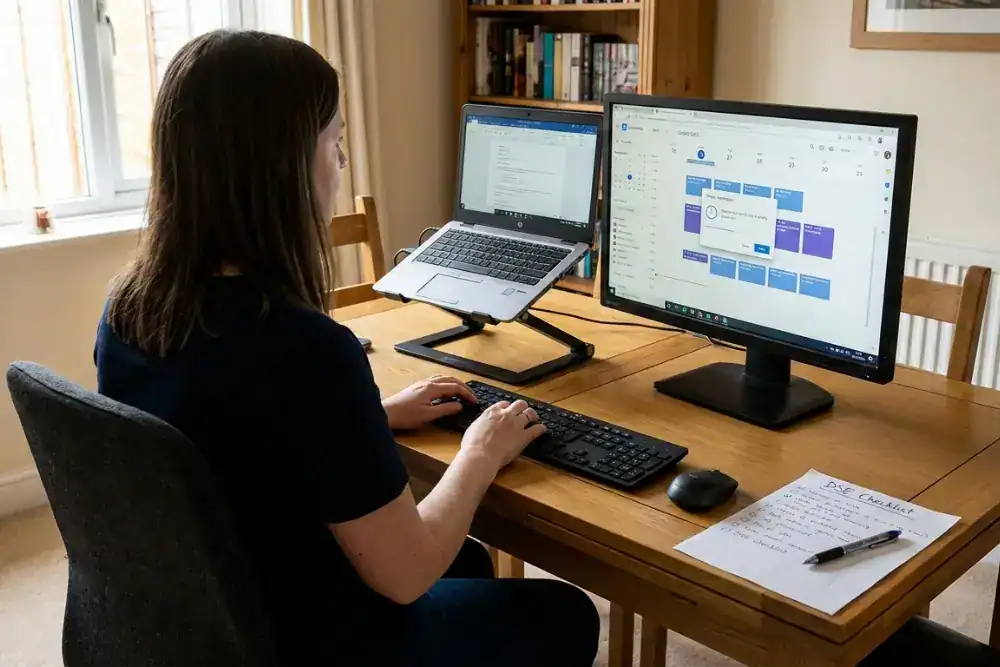
Organisations often struggle to manage home-working DSE because the process is difficult to run properly at scale. Visiting home workstations is rarely practical, so most employers rely on DSE users to assess their own setup and report issues remotely.
That shift introduces challenges that are easy to underestimate. The quality of a remote assessment depends not just on whether a form is completed, but on the user’s ability to recognise risk, describe what they are actually using, and make effective adjustments with the equipment available to them.
At the same time, assessors have limited visibility and little direct control over the home working environment, making it harder to confirm what has changed and whether actions have genuinely been completed.
As remote DSE programmes scale up, these weaknesses tend to compound. Volumes increase, follow-up capacity becomes stretched, and effort is often absorbed by repeated questions about basic setup rather than identifying and resolving higher-risk cases. The result is a system that looks active, but provides limited assurance that DSE risks are being controlled in day-to-day work.
This article explains where remote DSE management most commonly breaks down in practice and sets out practical options for how employers can verify, follow up, and maintain control beyond self-assessment. It focuses on what to check, what tends to drift over time, and how organisations can design DSE processes that remain workable as home and hybrid working scales.