Simplify DSE self-assessments and focus managers’ attention where it is needed — in the office, at home, or hybrid.
Our digital DSE self-assessment guides employees through six key risk areas of their actual workstation, with additional questions covering symptoms, working routines and homeworking. When an employee identifies a potential problem, they receive immediate, practical guidance to help them resolve it. Any issue that remains unresolved can be raised as a tracked action for manager follow-up.
New – AI Coach Add-On
Want On-Demand DSE Support? Add the AI Coach
The assessment already gives employees guidance when an issue is flagged. The AI Coach goes further, letting them ask questions about their assessment, workstation set-up or discomfort whenever they need support.
Answers employees’ own DSE questions using curated safety and ergonomics guidance
Reduces routine queries to H&S teams by providing practical answers on demand
Keeps flagged actions under manager oversight, with unresolved issues requiring review and sign-off
Run and Record DSE Self-Assessments Across Your Workforce
check_circle
Digital checklist, no printing
check_circle
Instant access after purchase
check_circle
Works on mobile, tablet & desktop
check_circle
12-month licence
check_circle
Results auto-saved in the LMS
check_circle
Built-in guidance when the assessment identifies an issue
The assessment helps employees resolve straightforward DSE issues immediately and gives managers a clear follow-up process for anything that remains unresolved. Employees work through six DSE hazard areas. When an employee’s answer indicates a problem, the assessment records the issue and provides immediate guidance. If the employee cannot resolve the issue during the assessment, it can be raised as an action.
Checks lighting, glare and reflections around the workstation.
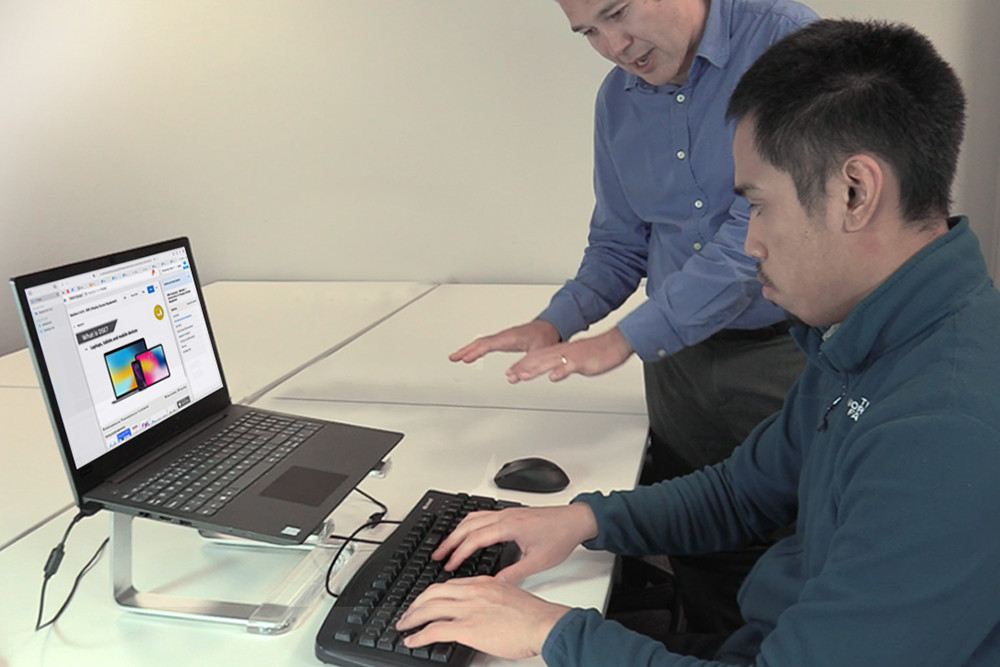
Checks the monitor position and set-up against the assessment criteria.
Checks the position and use of the employee’s keyboard and mouse.
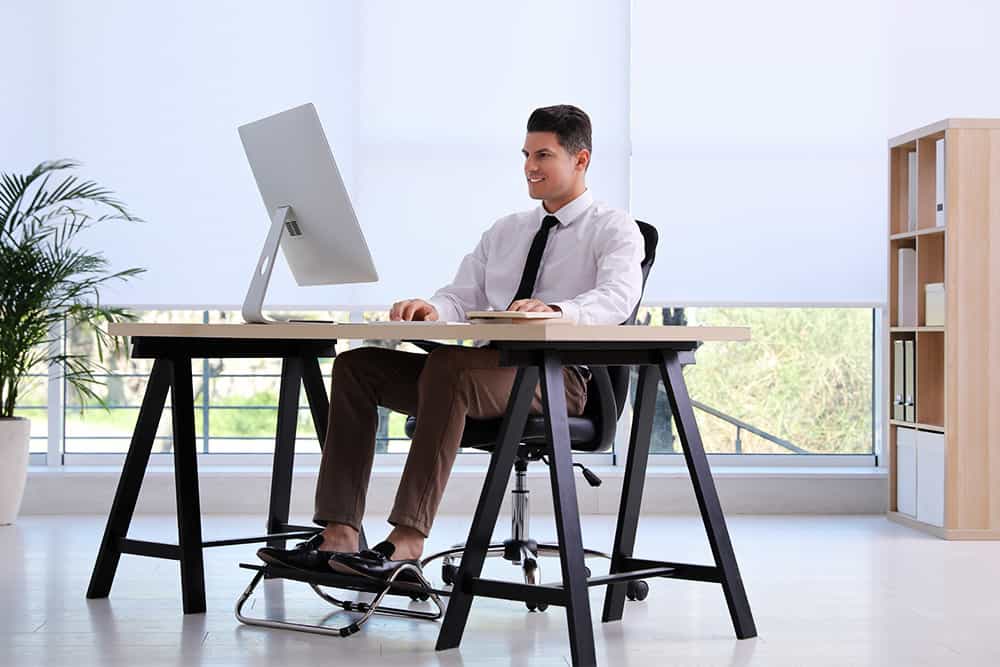
Checks that there is enough workspace and that equipment is positioned appropriately.
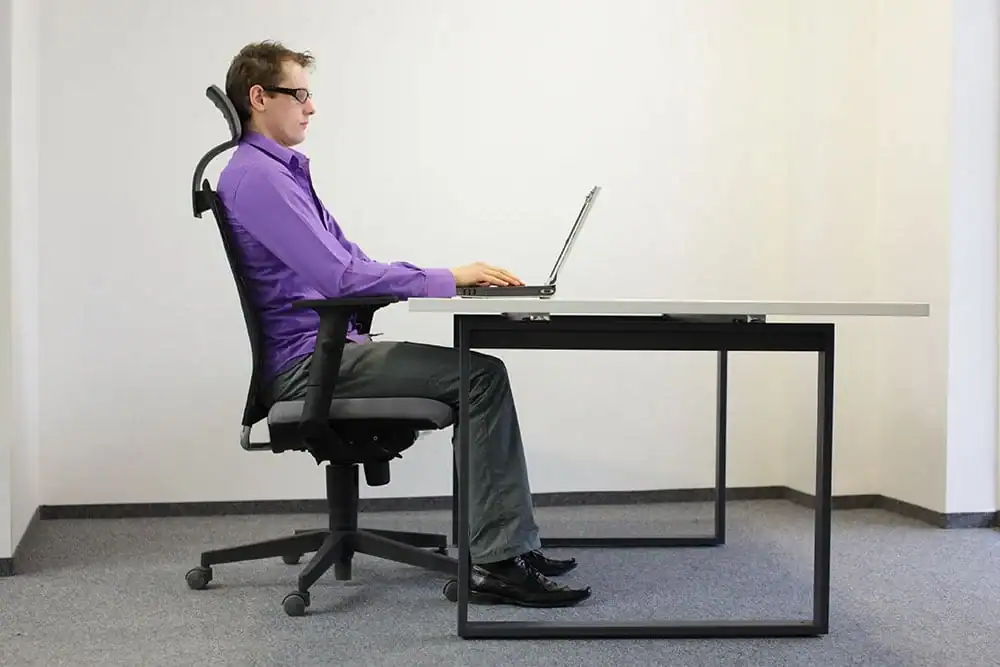
Checks chair position, support and working posture.
Captures discomfort or other DSE concerns that need further review.
Who Needs to Complete This Assessment
The DSE trainee risk assessment is for employees who use display screen equipment and need to assess their workstation as part of their employer’s DSE arrangements.
It is suitable for:
Office-based workers
Home workers
Hybrid workers
Mobile workers
Hot-desking workers
Delivery & Access
Once purchased, the DSE trainee risk assessment is available instantly through your Human Focus LMS account. Assign it to individuals or to whole teams in bulk, track completion from the dashboard and review unresolved actions. Assessment results, self-resolved issues, action items and manager review outcomes are stored together in the LMS. Employees assess the workstation they actually use, so a site visit is not needed for every assessment.
Instantly Available
Scale DSE Assessments While Keeping Manager Follow-Up Focused on Unresolved Issues
Across a large or distributed workforce, DSE assessments can create significant follow-up if every potential issue requires manager review. Human Focus allows employees to resolve straightforward workstation issues during the assessment, managers receive issues raised for follow-up.
When an assessment identifies a potential issue, the employee receives immediate guidance and can make an appropriate correction. An issue that remains unresolved is routed to the manager dashboard and stays open until manager review and sign-off.
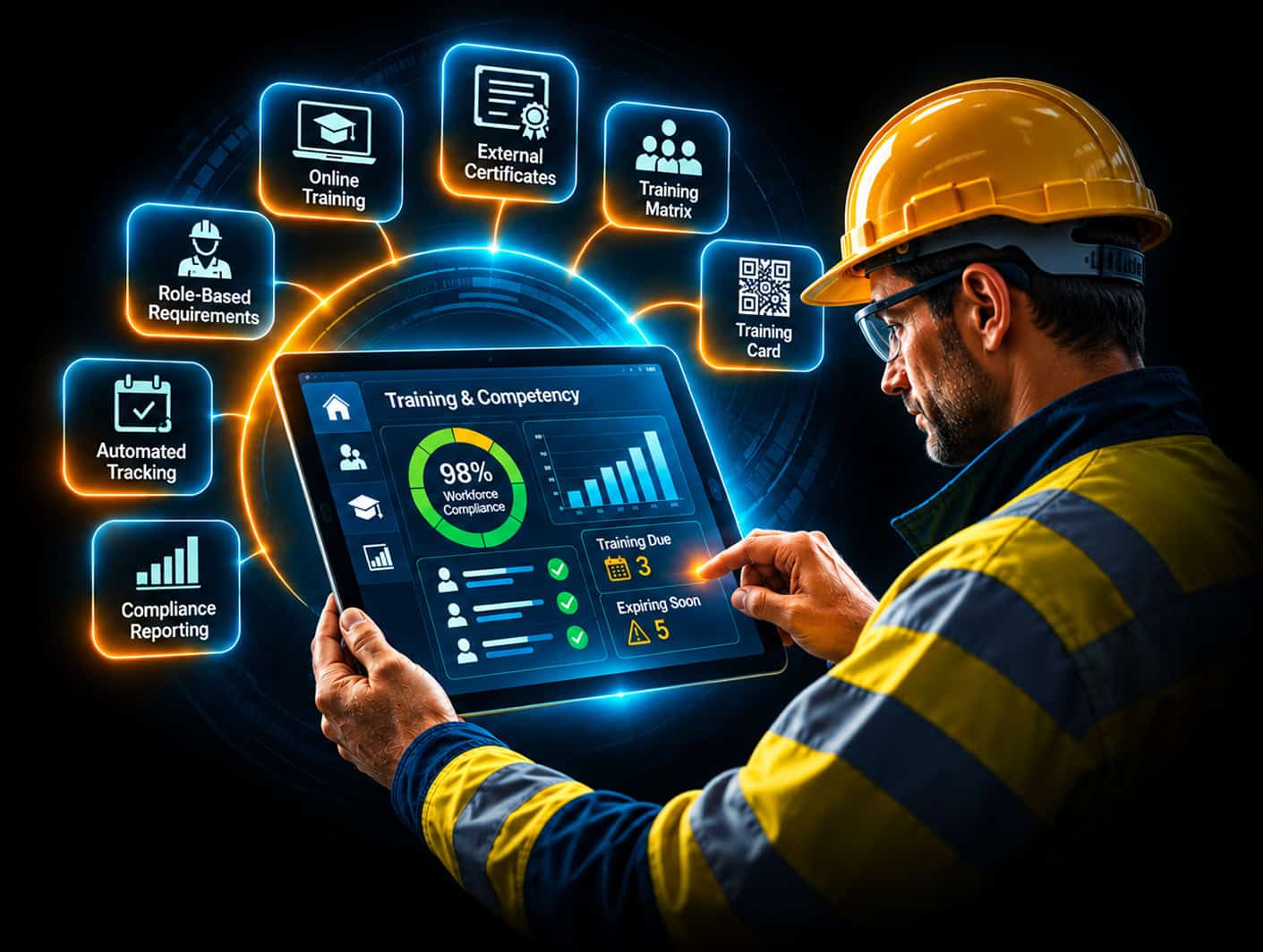
The Human Focus LMS retains a timestamped record of each flagged issue, follow-up action and recorded outcome. Managers can focus on outstanding DSE actions, while the organisation retains a clear record of what required intervention and how each issue was handled.
Customer Feedback
Why Is Display Screen Work – Trainee Risk Assessment Important?
The Health and Safety (Display Screen Equipment) Regulations 1992 require employers to carry out a suitable and sufficient analysis of DSE workstations and reduce the risks identified. Completing a self-assessment is only one part of that process.
An assessment can identify a workstation problem, but the employer still needs a process for making sure appropriate action is taken. Without a clear route from an identified issue to corrective action, problems can remain unresolved, managers may need to follow them up manually and the organisation may have limited evidence of what was done.
Human Focus provides guidance at the point of assessment to help employees understand flagged issues and, where appropriate, make corrections themselves. Issues that require further intervention can be escalated for manager follow-up, so the assessment supports a clear route from identifying a problem to addressing it.
Assessment results and follow-up activity are retained in the Human Focus LMS, giving organisations a central record of identified issues and the action taken to address them. This provides evidence for internal review and helps organisations demonstrate that DSE assessment findings have been followed up rather than simply recorded.
The DSE Regulations do not prescribe a fixed annual reassessment interval. Employers should carry out an assessment when a new workstation is set up, a new DSE user starts work, an existing workstation or the way it is used changes, or a user reports pain or discomfort. The assessment can be reassigned when review is required, while the employer remains responsible for ensuring that reassessment and any necessary follow-up take place.
How This DSE Trainee Risk Assessment Helps Your Organisation
For employers managing DSE users, the assessment can:
Reduce manager follow-up by helping employees resolve straightforward issues at the point of assessment, so managers can focus on issues that still need their intervention.
Keep unresolved workstation issues visible until manager review and sign-off.
Maintain an exportable, timestamped trail showing the assessment, follow-up actions and recorded outcomes.
Use one consistent process for office-based, home, hybrid, mobile and hot-desking workers, with the assessment available on mobile devices, tablets and desktop computers.
Help reduce routine DSE queries to the health and safety team by giving employees access to the AI Coach throughout the assessment.
Assign or reassign assessments when relevant changes occur rather than relying on a fixed annual cycle.
Roll out the assessment across teams or the wider organisation using bulk assignment.
Choose a Single Licence or Organisation-Wide DSE Rollout
Start with a single licence, or talk to us about bulk pricing for teams and organisation-wide rollouts. Assessments can be assigned individually or in bulk through the Human Focus LMS.
Employees can use the AI Coach throughout the assessment to get immediate answers about the assessment, their workstation set-up or DSE discomfort, helping reduce routine queries reaching the health and safety team.
Frequently Asked Questions
An e-Learning course delivers knowledge through video, audio and assessment. A DSE trainee risk assessment lets employees assess the workstation they actually use against defined criteria. The trainee works through their actual workstation set-up and receives guidance when a potential issue is identified. If the issue cannot be resolved during the assessment, it becomes a tracked action item that remains open until manager review and sign-off. The assessment provides the assessment and follow-up layer rather than replacing DSE Awareness or DSE Assessor Training, and it does not produce a pass or fail score.
Yes. The DSE Regulations apply to covered DSE users whether they work from home or at an employer’s workplace. The DSE trainee risk assessment is designed for any workstation environment, whether office, shared workspace or home setup. Trainees complete it wherever they work, and results are recorded centrally in your LMS.
The licence is valid for 12 months. The DSE Regulations do not set a fixed annual reassessment interval. Employers should review the assessment when a new DSE user starts, there is a significant change to the workstation, equipment or working arrangements, or a user reports pain or discomfort. The employer remains responsible for making sure reassessment happens at those points.
The AI-guided self-assessment includes immediate guidance when an employee identifies a potential issue. The AI Coach is available separately as an add-on for single-licence and bulk purchases, letting employees ask questions at any point about their assessment, workstation set-up or DSE discomfort. It cannot close an action item; unresolved issues still require manager review and sign-off.
Yes. Custom bulk pricing is available for teams and organisation-wide rollouts. Contact our team to discuss pricing for larger deployments.
After purchase, the assessment is available instantly through the Human Focus LMS. Assign it to individuals or teams, track completion from the dashboard and review unresolved actions. Employees can start the assessment as soon as it is assigned to them in the LMS.
Assessment responses, unresolved issues and follow-up actions are recorded in the Human Focus LMS, giving managers a clear record to support their DSE compliance arrangements.