What's New on the Platform

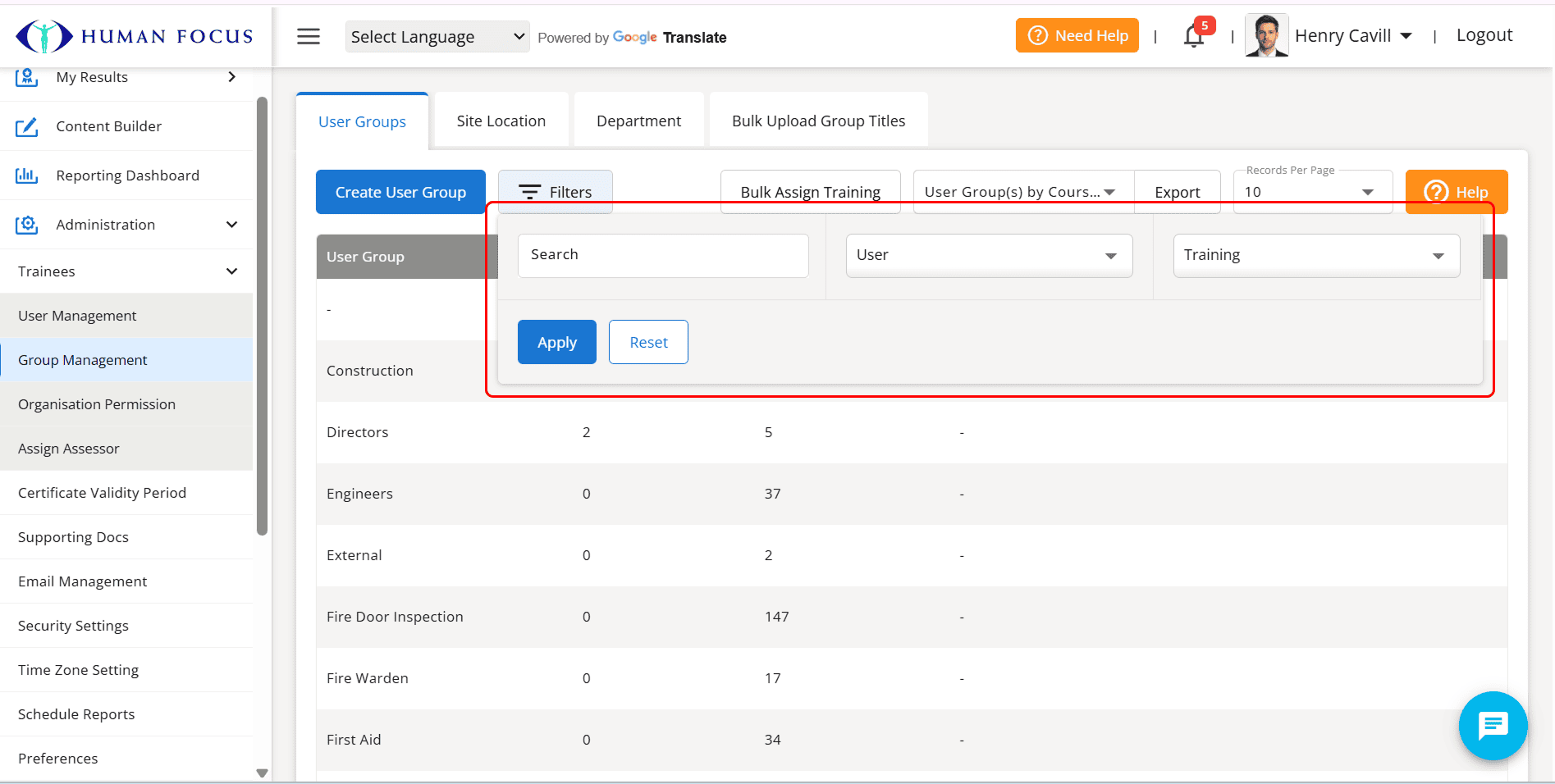
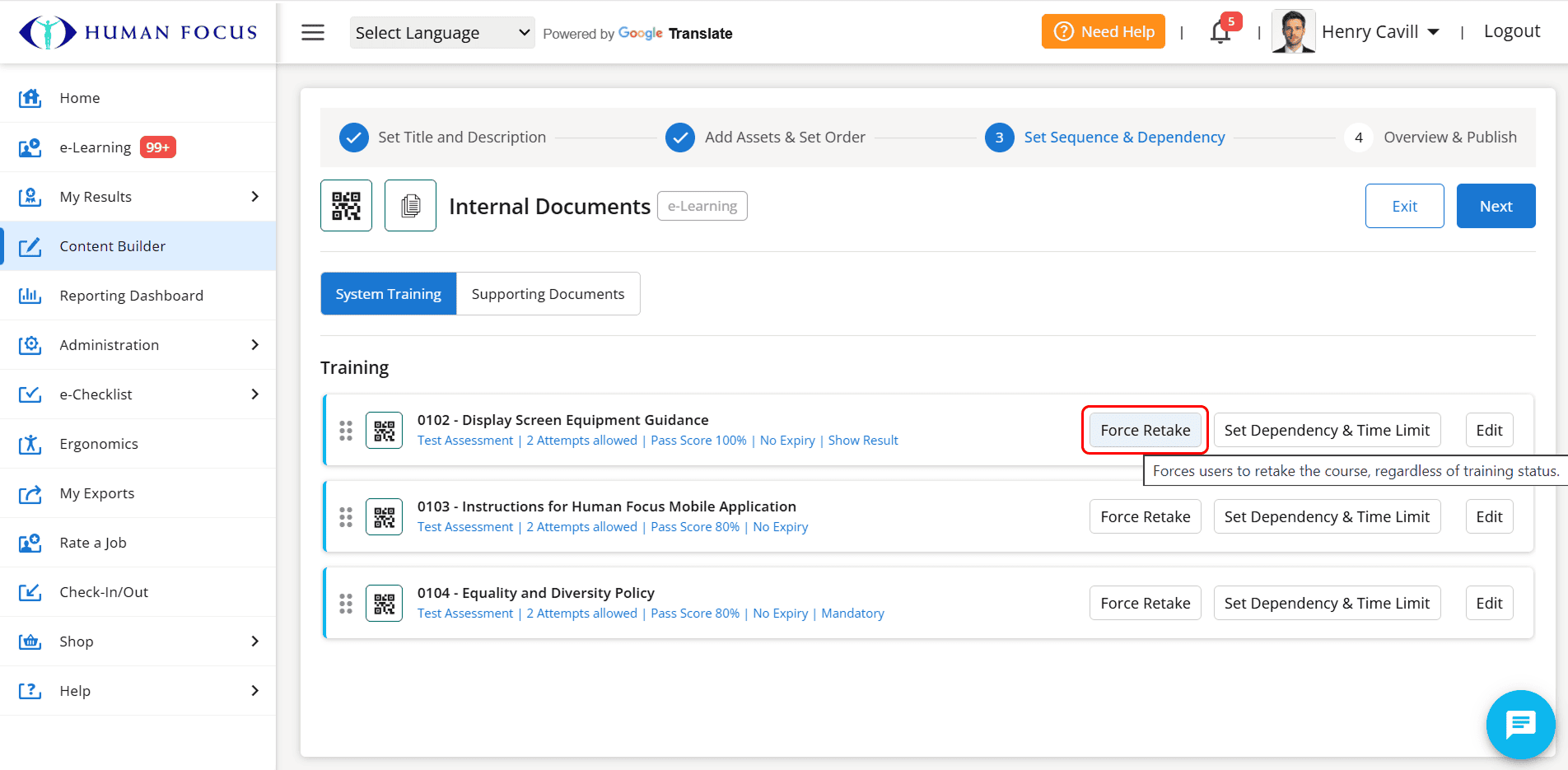
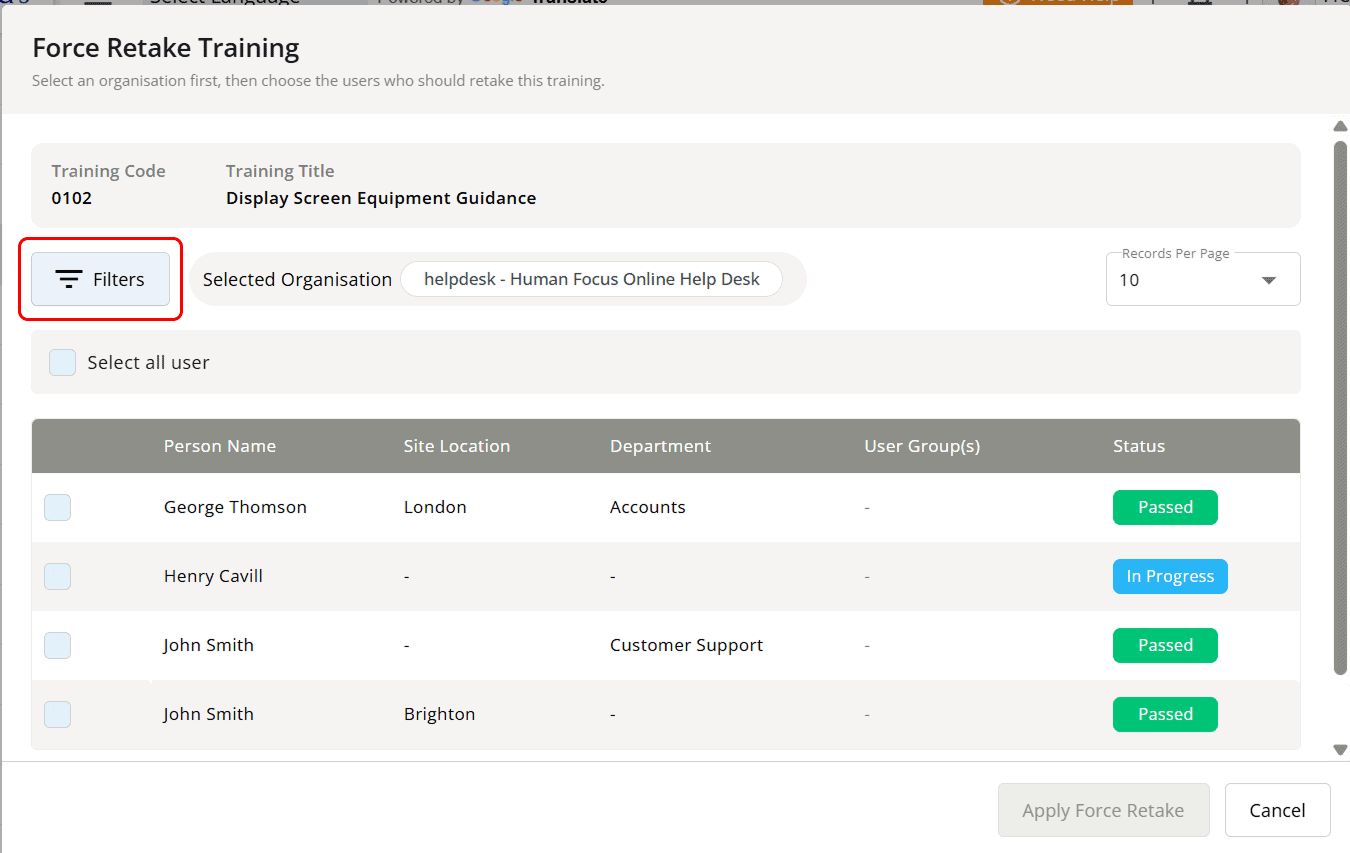
Filters

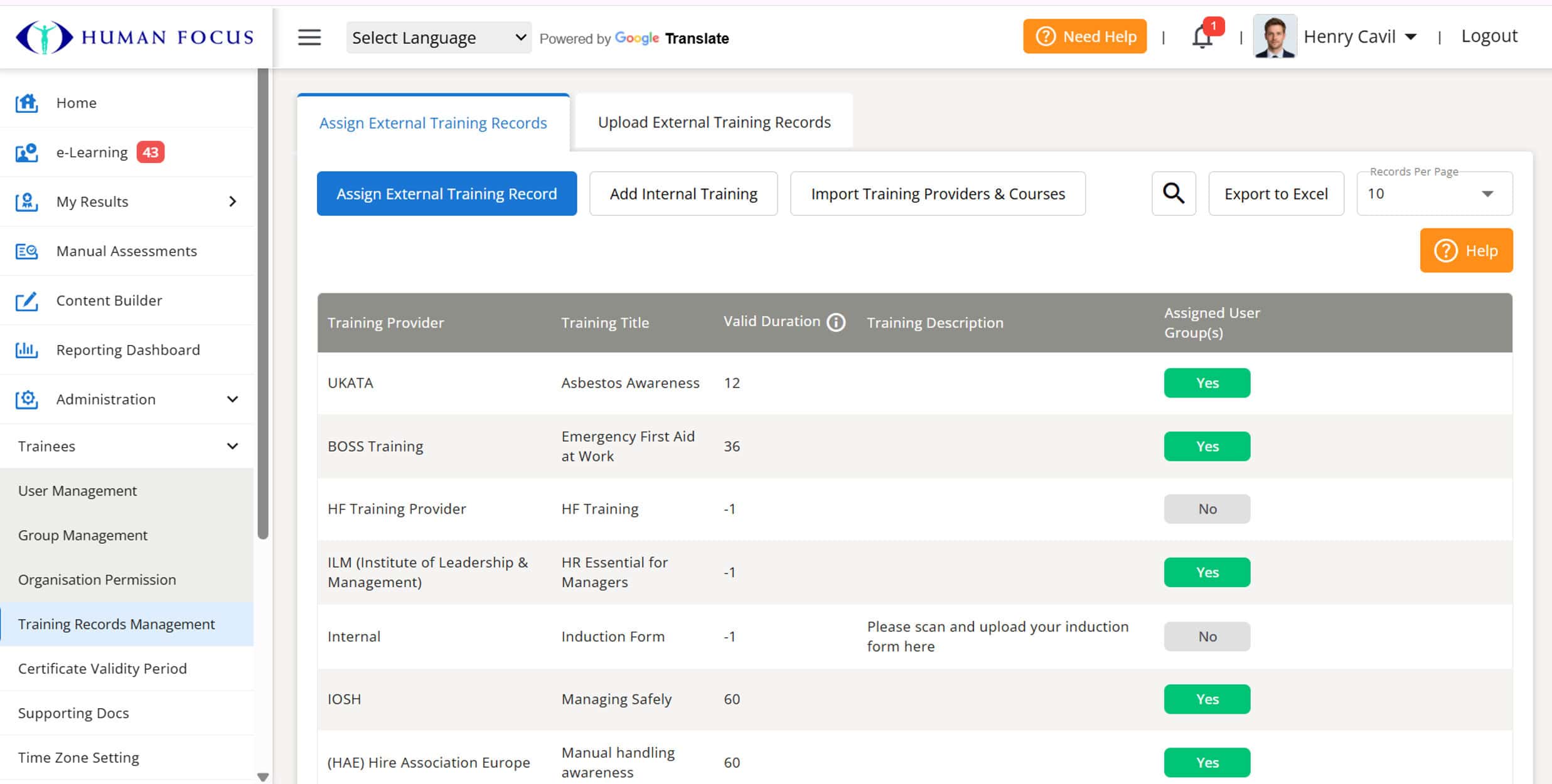
Navigation Menu Customisation

Manager users can now customise the main navigation menu by reordering items using drag-and-drop and controlling the visibility of individual menu options.

Changes are applied at the organisation level only, ensuring they do not impact other organisations. Managers can also reset the menu back to the system default at any time.

Navigation Menu Customisation

Text-to-Speech Accessibility Enhancement for Dyslexia

Accessibility has been improved with the introduction of text-to-speech functionality within e-Learning content and e-Checklists, allowing users to listen to content for better understanding and flexibility.

A dyslexia-friendly font style has also been implemented across the platform, providing a more readable and inclusive experience for users with dyslexia and other reading difficulties.

Text-to-Speech Accessibility Enhancement for Dyslexia

Improved Mini Quiz Navigation and Progress Tracking

The mini quiz experience has been enhanced to provide learners with greater flexibility when completing non-scoring mini quizzes. Users can now navigate back and forth between questions, with their previous answers retained for easy review and updates.

A new progress indicator has also been introduced to display the completion progress of the mini quiz, helping learners track their progress throughout the training experience.

Improved Mini Quiz Navigation and Progress Tracking 1
Improved Mini Quiz Navigation and Progress Tracking 2

AI Training Creation Using SOP Documents

AI Training Creation Using SOP Documents has been enhanced to provide greater flexibility during the training setup process. Users can now select their preferred question types when generating AI-based training, allowing for a more tailored and controlled training output.

Create Training through AI

Speech To Text for Text Entry Questions

Speech-to-Text Support for Text Entry Questions has been introduced to improve accessibility and ease of use. Users can now utilise a speech-to-text option when responding to text entry questions, allowing them to provide answers using voice input instead of typing.

Speech To Text

Navigation Menu

The left-hand navigation menu has been cleaned up to provide a clearer and more streamlined user experience.

Navigation Menu

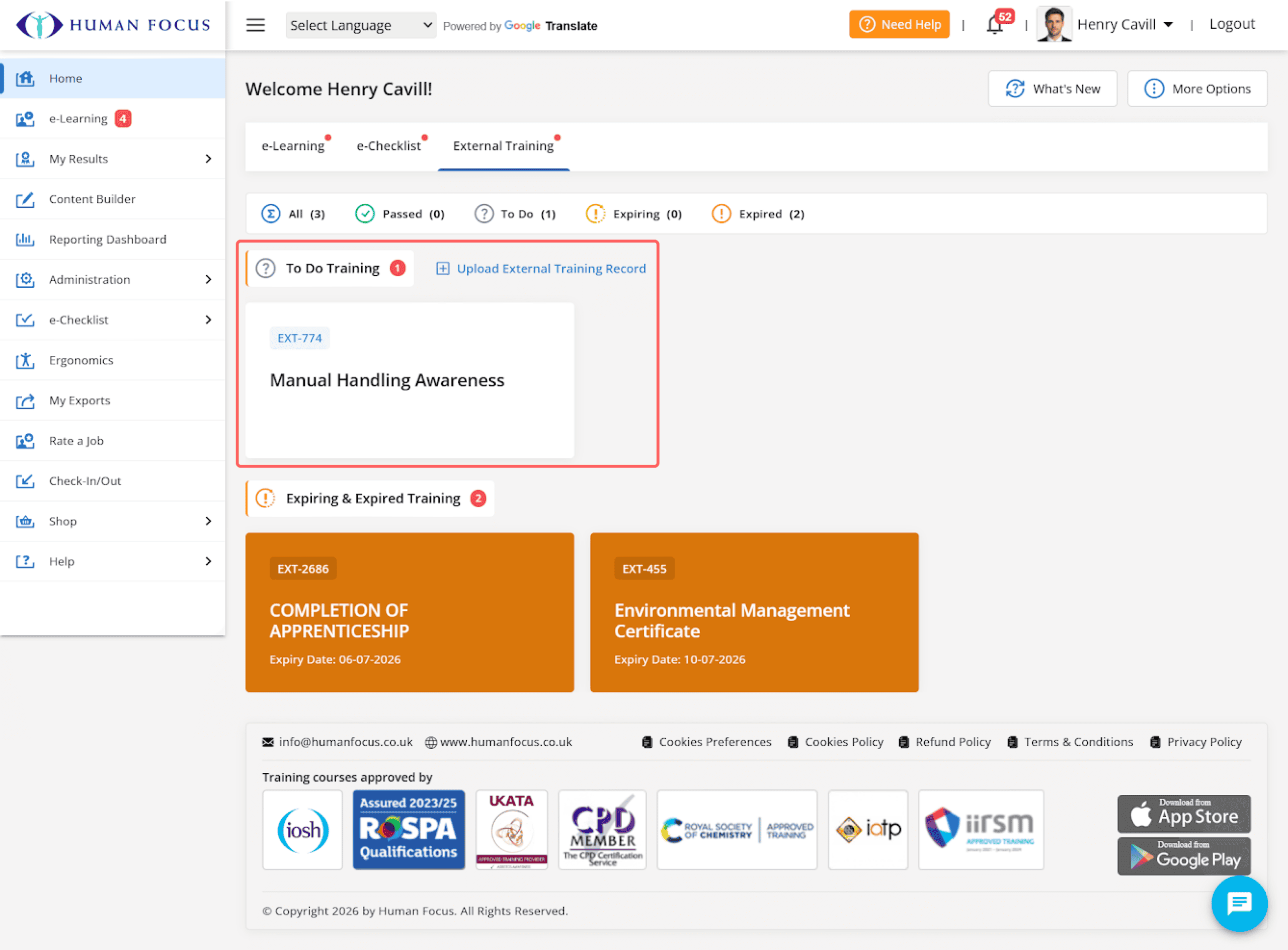
New Home Page

The new Home Page has been introduced to provide users with a more modern, user-friendly, and personalised experience. The updated design gives quicker access to key areas of the system, helping users manage their daily activities more efficiently.

New Home Page Layout

Enhanced password policy

To improve account security:

  • If Multi-Factor Authentication is not enabled, passwords must now be at least 12 characters long.
  • If Multi-Factor Authentication is enabled, passwords with 8 or more characters are still accepted.
Multi-Factor Authentication is enabled, passwords with 8 or more characters are still accepted

New Video Player

We’ve updated the course video player to improve usability and accessibility by moving key options such as Captions, Playback Speed, and Picture-in-Picture into a dedicated Settings menu. This release also introduces new features including Audio Language selection and Grayscale mode experience to support a more flexible learning experience.

Course video player to improve usability and accessibility

Bulk Certificate Upload (AI Scan) – Verify Certificates in Bulk

Certificates can now be updated in bulk using this option. Bulk verification allows users to verify, update, or discard multiple records at once instead of processing them individually.

Bulk Certificate Upload (AI Scan) – Verify Certificates in Bulk